Sim racing teams
Connect with iRacing teams, team owners and drivers. ORN helps racers find opportunities and gives teams a better way to organise members.
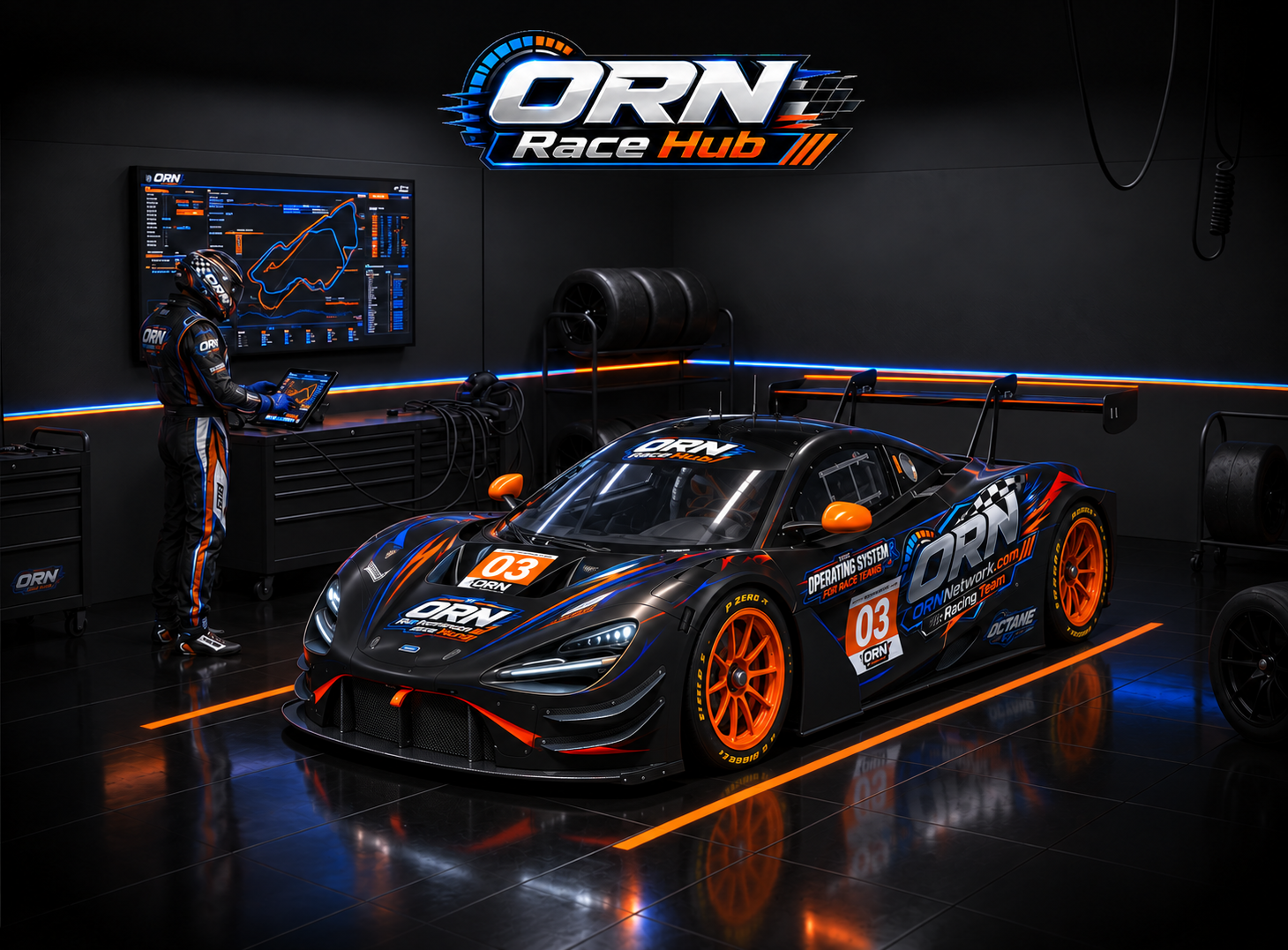
Australian sim racing network
ORN — Octane Racing Network — brings sim racing drivers, teams and technology together. We help iRacing competitors plan endurance events, improve performance and find the people, tools and products that make racing better.
Built for serious sim racers
Connect with iRacing teams, team owners and drivers. ORN helps racers find opportunities and gives teams a better way to organise members.
Coordinate event calendars, driver availability, sign-ups, stint plans and race-day responsibilities from one shared hub.
Turn lap and stint data into practical feedback with driver comparisons, performance analysis and the ORN AI Coach.
Monitor live race data and manage pit stops, fuel, tyres and driver changes for confident endurance strategy decisions.
Sim racing products & technology
ORN connects racers with useful sim racing products, trusted partners and specialist technology—from racing hardware and team services to the ORN Race Hub platform. Our focus is simple: products that improve preparation, consistency and the race-day experience.
Talk to ORN about products or partnershipsOctane Racing Network
Whether you are a driver looking for a team, an established iRacing organisation or a sim racing brand seeking the right audience, start the conversation with ORN.
Contact ORN
Team operations